
How was your visit?
Leave us a Google review. One tap, about a minute. Google will ask you to sign in if you aren't already — that's normal.
Write my Google reviewAlready signed in to Google? That button takes you straight to the stars.
Sign in to Google first, then reviewUse any Gmail — the one you use for YouTube or your Android phone works No Google account? Create one (free, 2 minutes)When you finish, Google brings you right back to our review page Open us in the Google Maps app insteadThen tap "Reviews" → "Write a review". Good option on iPhone.- Tap the red button
If Google asks you to sign in, sign in with your Gmail. Forgot the password? Tap "Forgot password?" on Google's screen and it will text you a code.
- Tap the stars
Five stars means "great visit." Then type a sentence or two — who you saw, what you came in for, how it went.
- Tap Post
That's it. Your review usually shows up on Google within a few minutes.
Stuck? Start here
It keeps asking me to sign in
That's Google, not us — every Google review needs a Google account so reviews stay honest. Sign in with your Gmail address and password. If you don't have one, use the create an account button above; it brings you back here when you're done.
I'm on an iPhone and it opened in Safari
Safari often isn't signed in to Google. Either sign in when asked, or tap Open in Google Maps — the Maps app is usually already signed in. Scroll to "Reviews" and tap "Write a review".
I tapped the stars and nothing happened
Give it a second, then tap a star once more. If it still won't take, close the page and tap the red button again, or ask us at the front desk — we're happy to walk you through it on your phone.
Can I review without a Google account?
Google requires an account, but it's free and takes about two minutes. You can also tell us in person or by phone at (740) 507-2612 — we always want to hear how we did.
On a computer? Scan with your phone
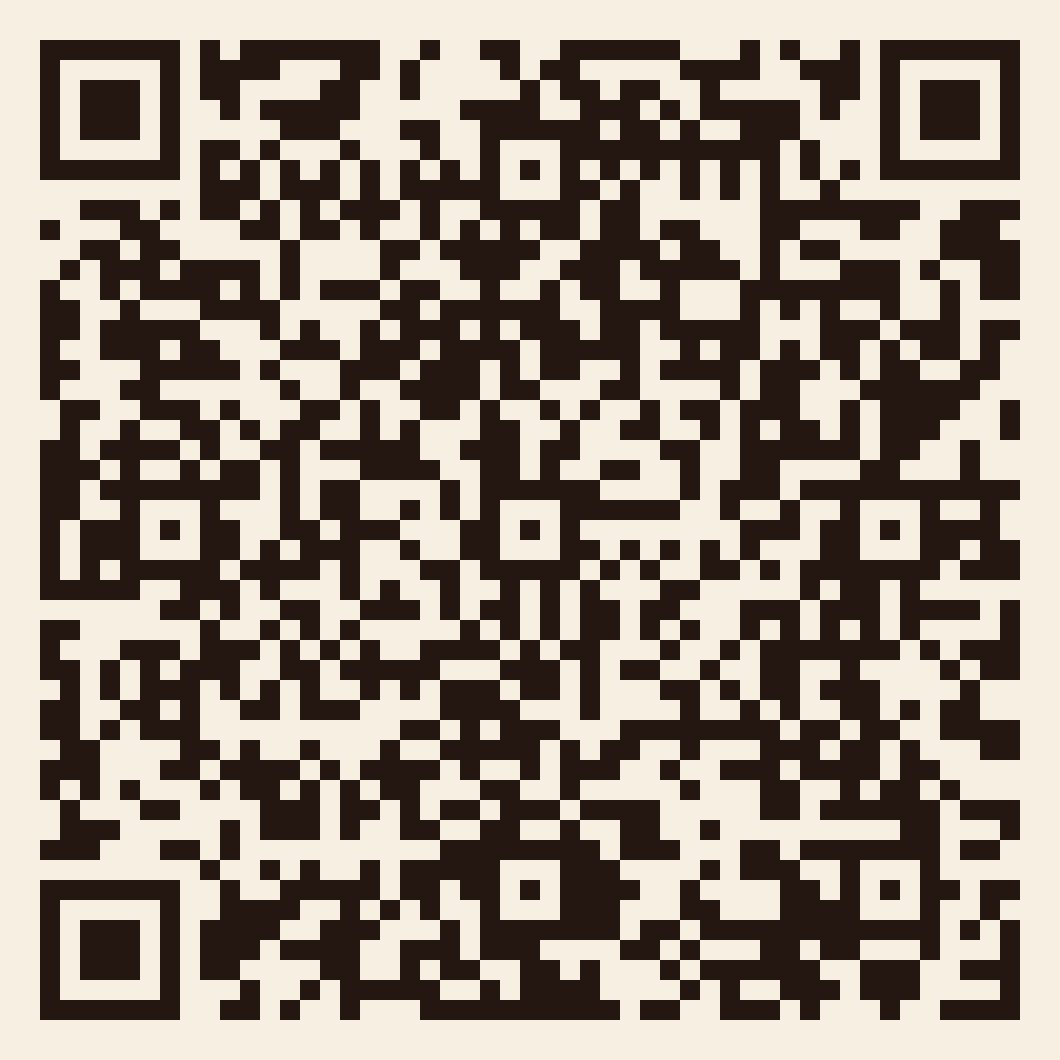
Open your phone's camera, point it at the code, and tap the link that pops up. It goes to the same Google review page.
Thank you for trusting us with your care.